Roster
Create players, archive them and link them to an account.
The roster is per team — every team keeps its own players.
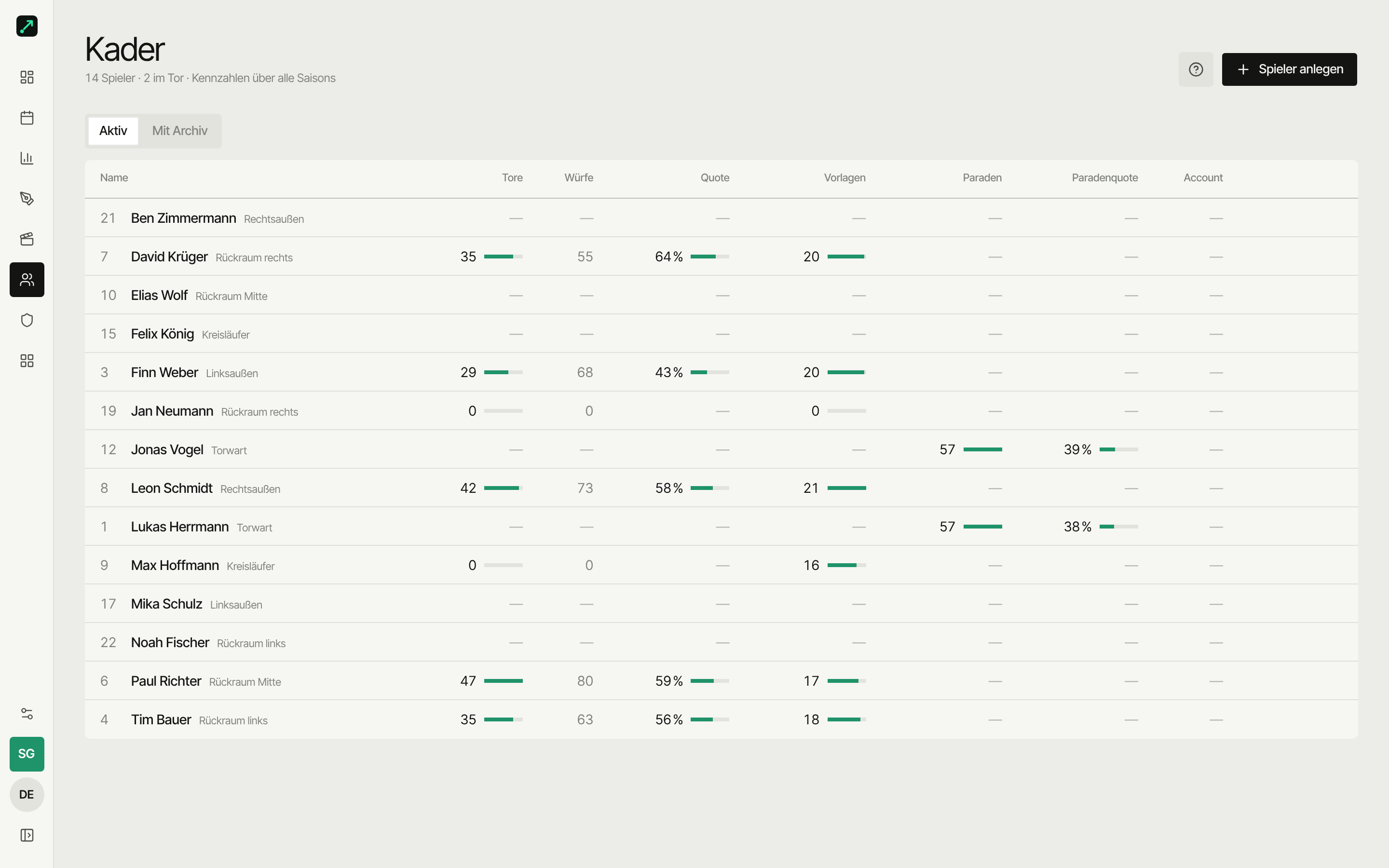
Create a player
Roster → Create player
| Field | Note |
|---|---|
| Name | Required |
| Jersey number | Optional, but worth its weight in gold on the sideline |
| Position | e.g. CB, GK — for grouping in analysis |
Archive instead of delete
You archive players with history:
- They disappear from the active list (Active filter)
- They stay visible in old matches — the Incl. archived filter brings them back into the roster view too
- Restoring works anytime
There's no "delete completely" — that's how old stats stay correct.
Link to an app account
Players can later get their own login and see their own numbers. That doesn't happen automatically — the coach invites them or links manually.
Merge players
A player twice on the roster — say, created once by hand and once through schedule import? Then merge instead of deleting:
- On the roster, pick Merge for the duplicate
- Choose who stays
- Confirm — done
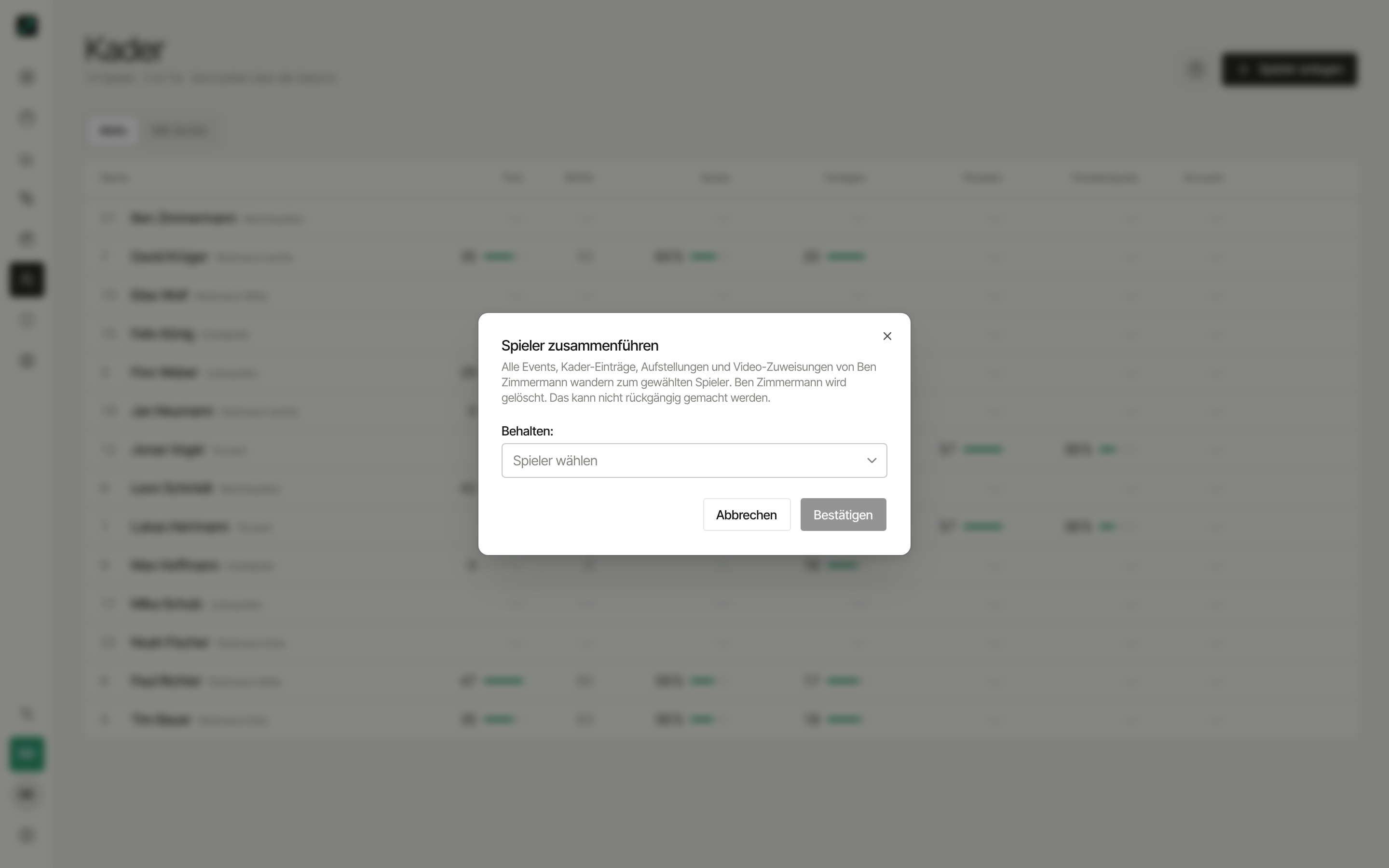
What happens then:
- All events (shots, goals, penalties …) move to the remaining player
- Matchday rosters and lineups get merged — no match shows the player twice
- Video scenes move over with it — including the Involved marking, so "Your scenes" end up with the right player
- The link to the import source stays intact — the duplicate won't come back on the next import
No undo
The duplicate gets deleted for good. Stats aren't lost though — they now belong to the remaining player.
Tips
- Assign numbers in blocks (1–16)
- Add positions only once you need them in analysis
- Finish the roster before the season starts — matchdays go faster that way